How is Dev404 Desktop different from Dev404 in the browser?
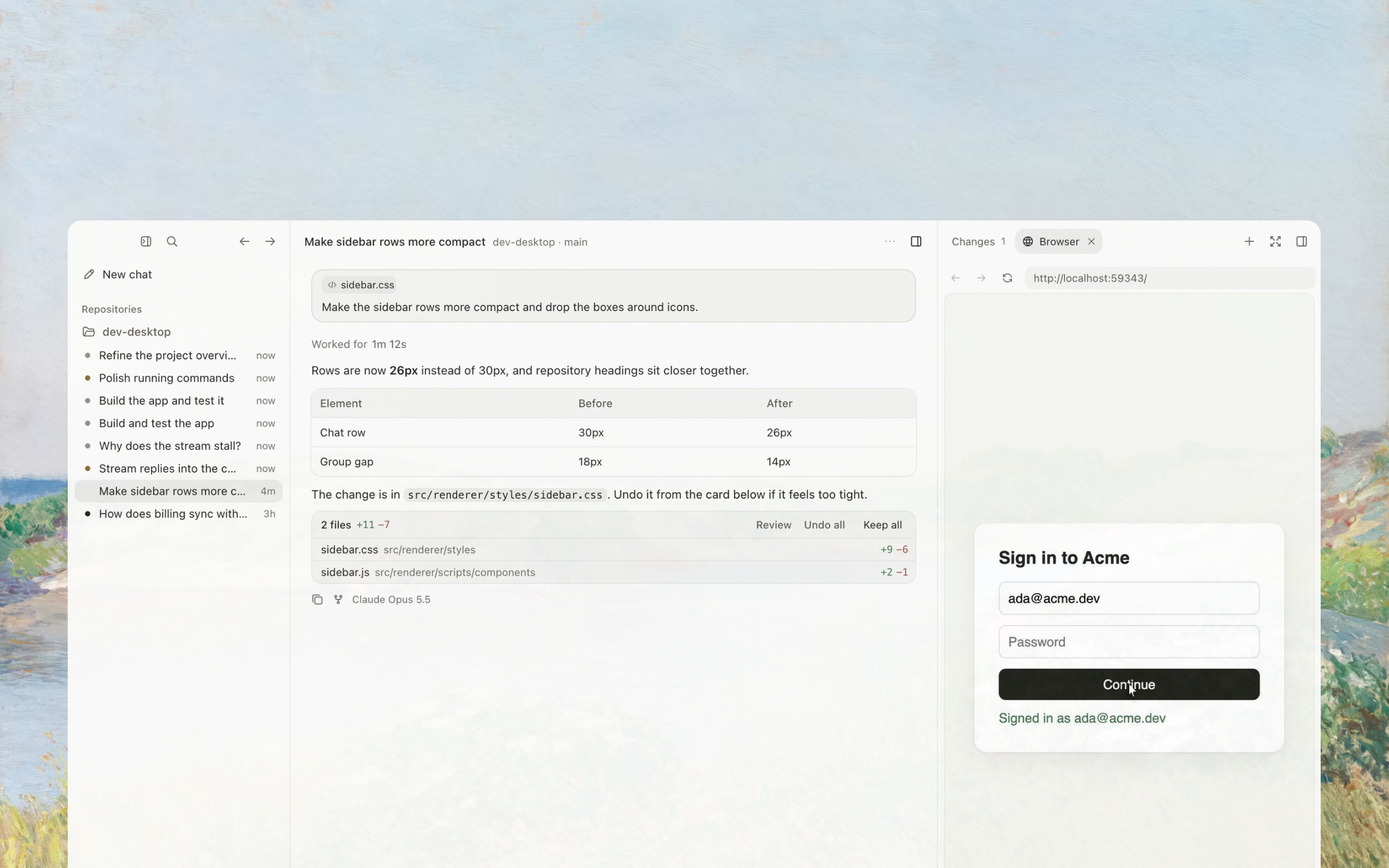
In the browser, Dev404 works on your GitHub and GitLab repositories on Dev404’s servers, and keeps going after you close the tab. Desktop works in the folders on your computer, with your own tools, and asks before each command. Both use the same account and credits.
Which computers does it run on?
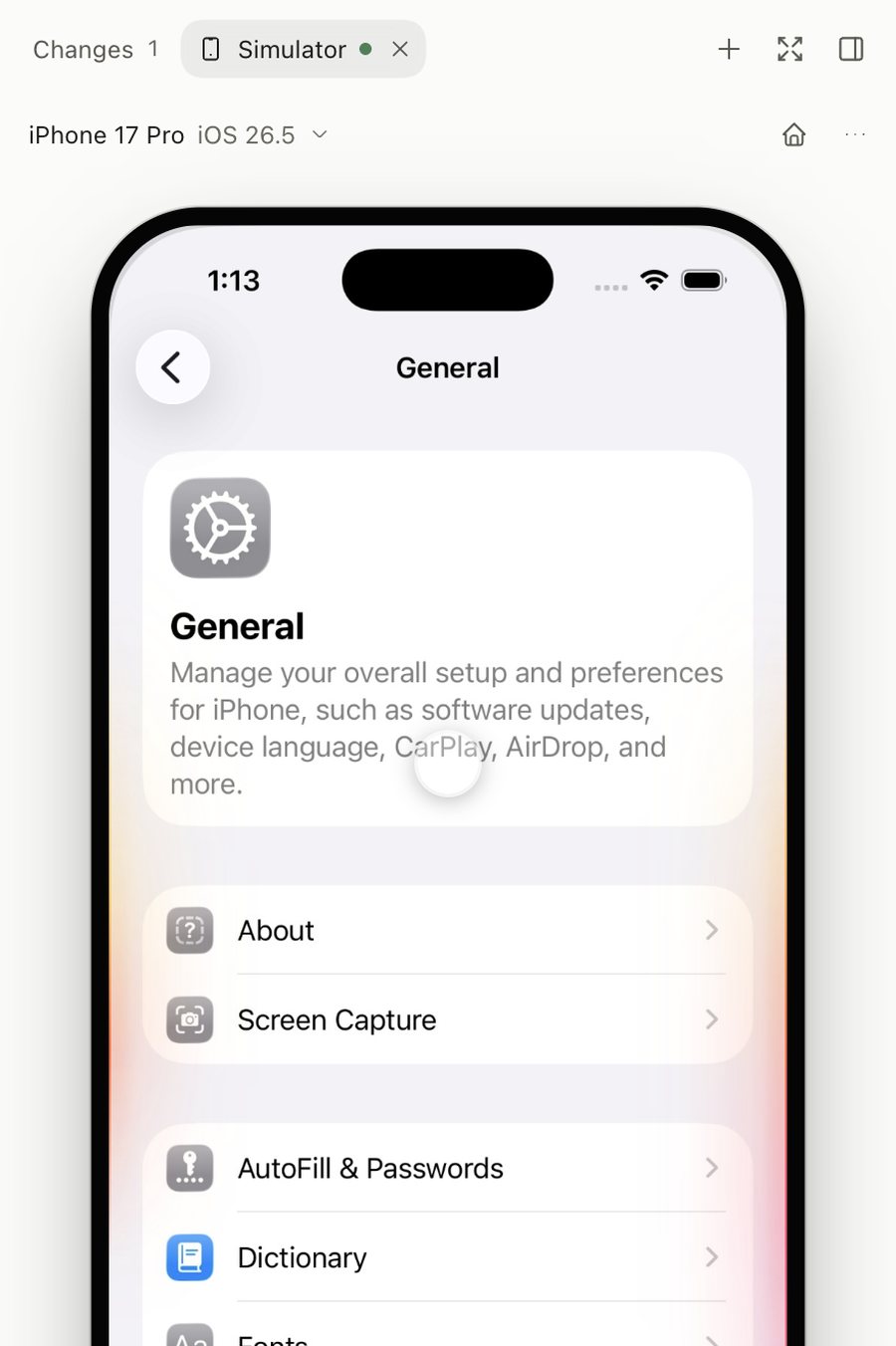
Macs with Apple silicon or Intel on macOS 12 or later, 64-bit Windows 10 or later, and most 64-bit Linux distributions. Building and testing iOS apps needs a Mac with Xcode.
How do I keep it up to date?
You don’t need to. Dev404 checks for a new version every hour, downloads it in the background and installs it the next time you restart. The links on this page always give you the newest version.
My computer won’t open it the first time.
On a Mac, open System Settings, then Privacy & Security, and choose Open Anyway. On Windows, choose More info, then Run anyway. On Linux, make the AppImage executable, then open it.
Does it send anything about my computer?
If Dev404 crashes, it sends the error details with the app version and operating system, never your account or chats. Turn this off in Settings, under General.